Dan Cohen

Archive for the ‘Omeka’ Category

Give Omeka a Try

Thursday, May 8th, 2008

If you’ve been interested in CHNM’s Omeka software but would like to try it before you buy it (for $0 since it’s open source), there’s now a demo version for you to check out. While you can already find many examples of Omeka in action on the web, the sandbox allows everyone to play with the administrative interface behind Omeka, including collections management and exhibit construction. That back end is, of course, as well designed as the front end due to our great design and development team.

Video Intro to Omeka

Tuesday, February 26th, 2008

One lesson from the Zotero project has been the wild popularity and usefulness of video introductions or screencasts to help people understand and get started with a new piece of software. Text explanations and manuals just do don’t as good a job as showing software in action.

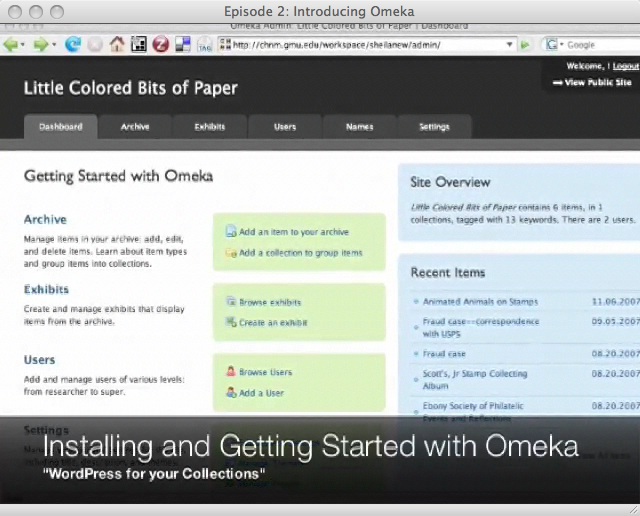
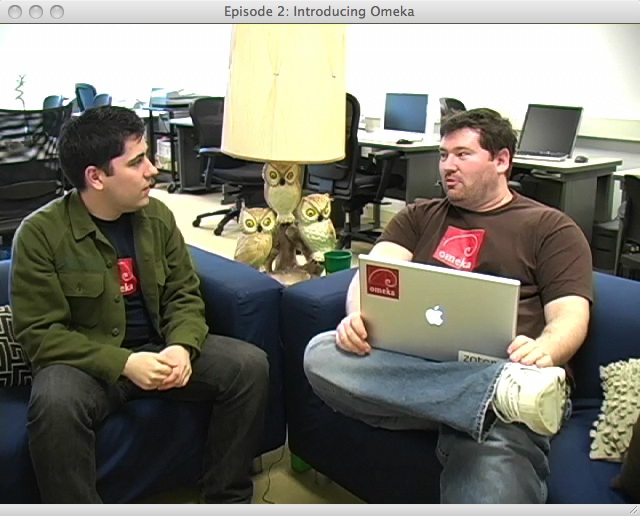
This month’s THAT Podcast from Jeremy Boggs and Dave Lester walks the viewer through the installation and customization of Omeka, which Jeremy and Dave work on, and which just launched recently. (And it’s off to a fantastic start, with active forums and nearly 300 downloads in under a week, a very large number for an institutional web app.) It also includes interviews with Tom Scheinfeldt and Sharon Leon, the directors of the project.

THAT Podcast on Omeka 1

THAT Podcast on Omeka 2

The podcast is filmed in part in the Center for History and New Media’s “Owl Lounge,” a favorite brainstorming site at the Center. And yes, Dave and Jeremy are already showing off some of the Omeka swag, including t-shirts and laptop stickers.

The Omeka and Zotero teams are currently out in force at the packed Code4Lib 2008 conference in Portland, Oregon, where they will each be presenting and hacking.

Introducing Omeka

Wednesday, February 20th, 2008

Omeka logoToday the Center for History and New Media launches another major software platform that we hope will be of great help to universities, libraries, museums, historians, researchers, and anyone else who would like to put a collection or exhibit online. It’s called Omeka, from the Swahili word meaning “to display or layout goods or wares; to speak out; to spread out; to unpack.” The public beta released today was underwritten by the generosity of the Alfred P. Sloan Foundation and the Institute of Museum and Library Services.

I’ll get to the details momentarily, but I’ve found that it’s often helpful to brashly distill years of careful thought, design, and programming into a handy catchphrase that anyone can understand and pass around. For Zotero, it’s “like iTunes for your references and research”; for Omeka, think “WordPress for your exhibits and collections.”

As with Zotero, Omeka grew organically out of a strong need that we identified at CHNM over the last decade, as we built a series of projects that presented, and in some cases collected, historical artifacts. Projects such as the September 11 Digital Archive and associated work with institutions such as the Smithsonian and the Library of Congress made us realize how much work—and how much money—it takes for institutions (and individuals) to mount high-quality and flexible exhibits online, and to manage the underlying collections.

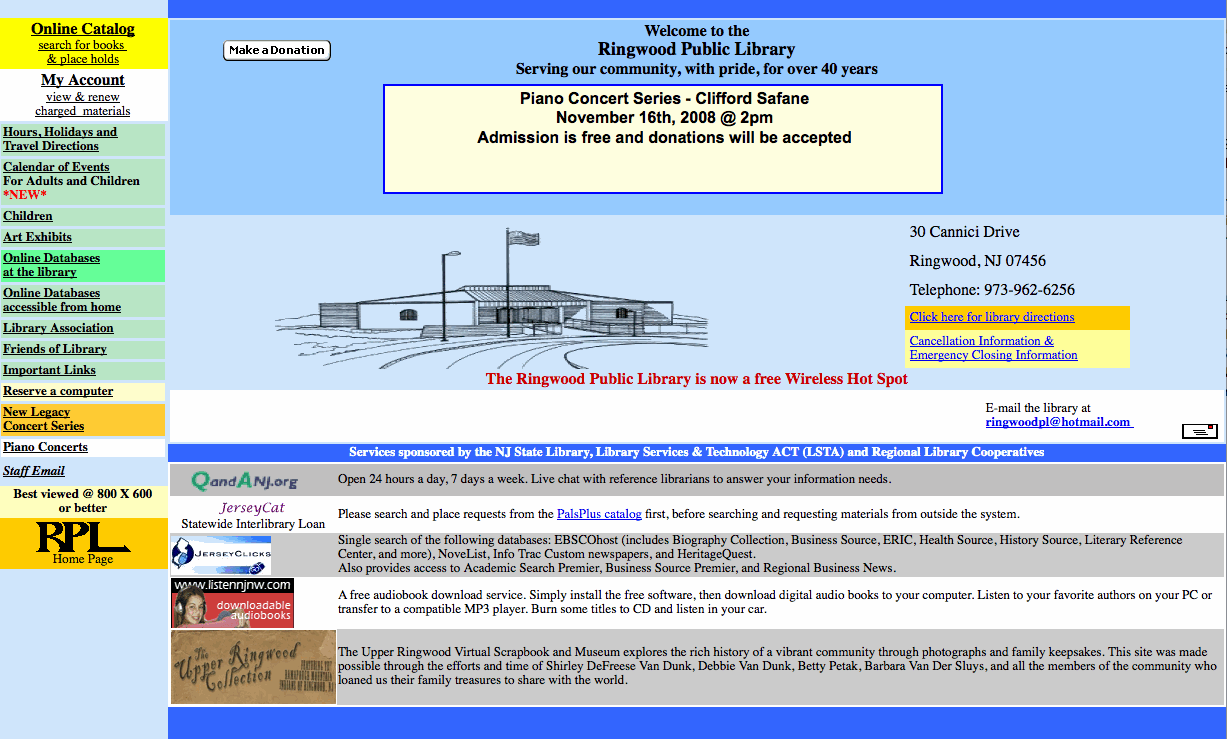
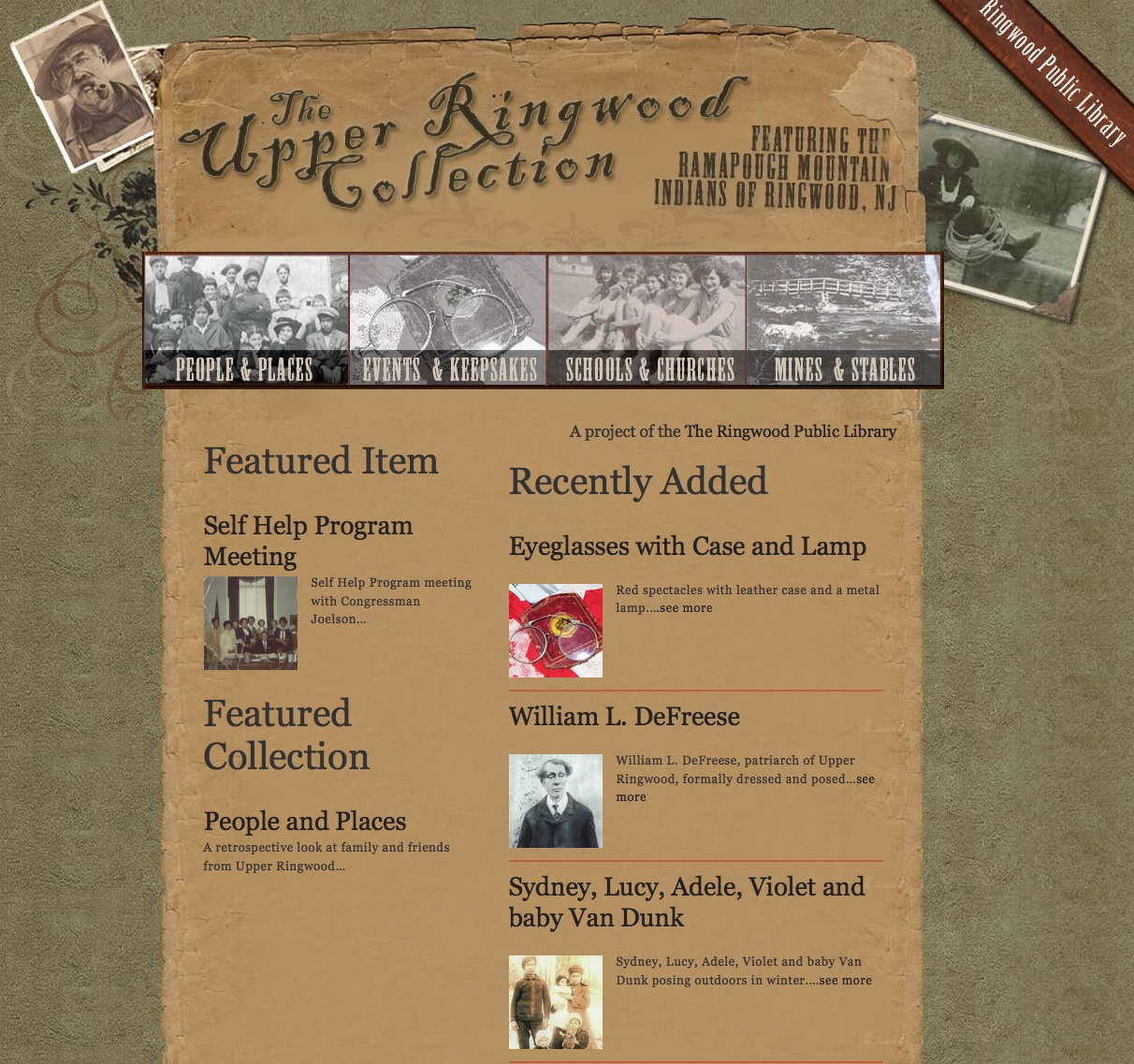
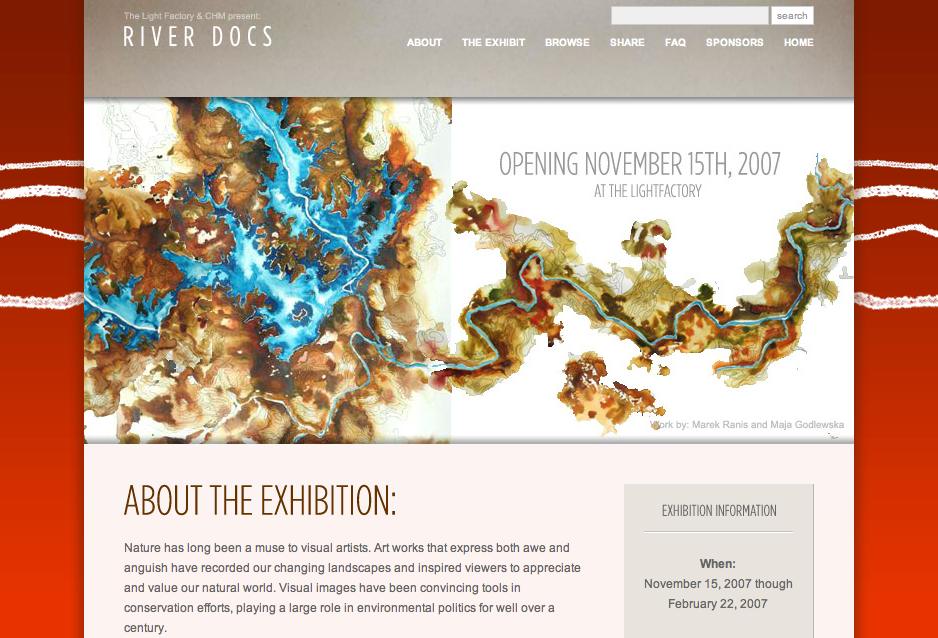
Omeka aims to simplify this entire process, save valuable resources, and create a free and open platform that the museum and library community, and anyone else, can enrich to by developing themes and plugins. The 150 institutions already using Omeka as part of our pre-beta, ranging from the small (North Carolina’s The Light Factory and Cultural & Heritage MuseumsRiver Docs exhibit) to the large (the New York Public Library) have already responded to the ease-of-use and power of the platform.

River Docs Home Page
[River Docs exhibit, powered by Omeka]

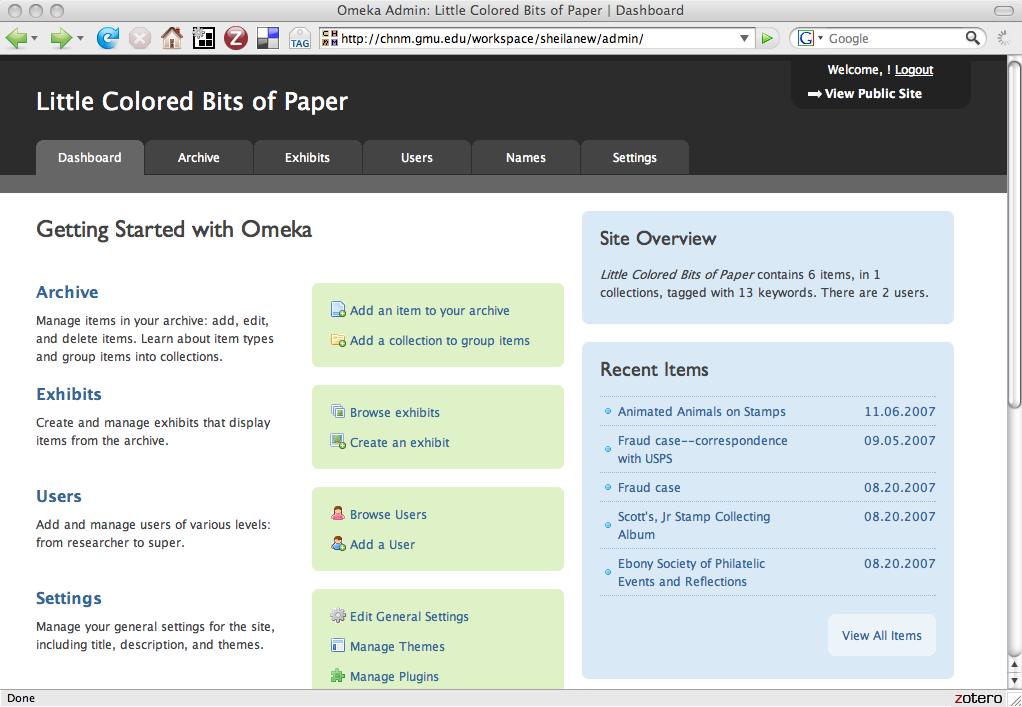
Not only can Omeka provide a high-gloss front end for an exhibit, but it also provides an equally nice-looking and flexible back end that hews to critical standards (such as Dublin Core). Here’s a sneak peek:

Omeka Start Page
The Omeka start page.

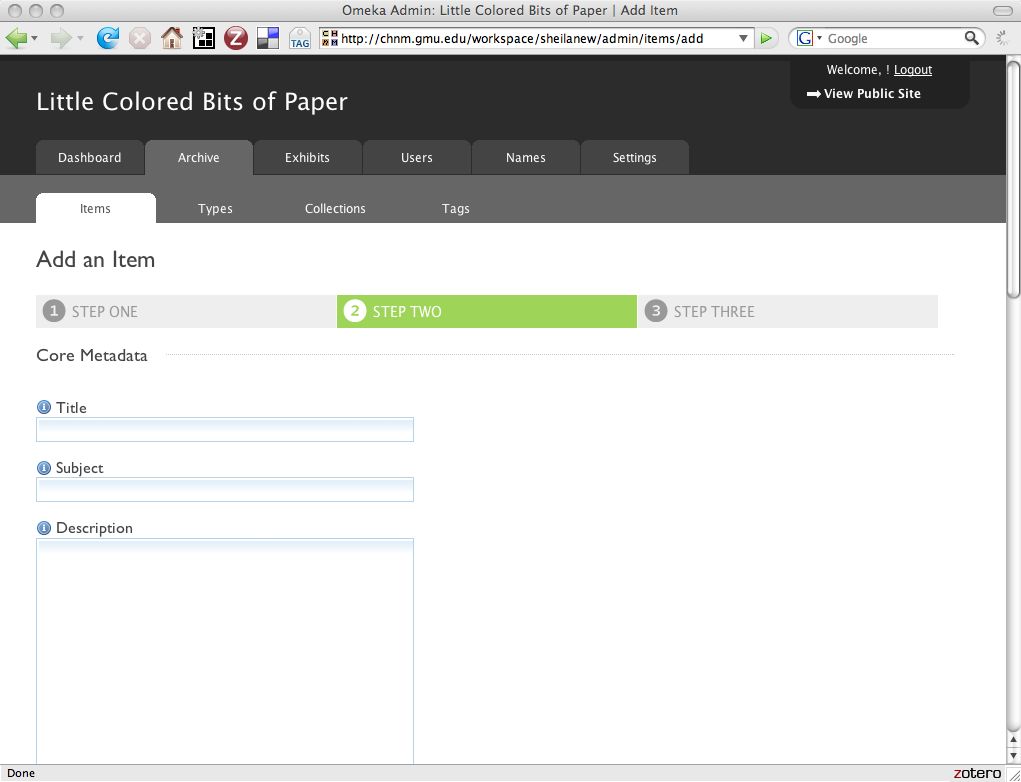
Omeka Add Item Page
Adding items is a simple process, but collections conform to library and museum metadata standards, and you can also use tags.

The theme-switching process and plugin architecture at the heart of Omeka will be familiar to users who are accustomed to working with popular blogging software, but Omeka includes a number of features that are directed specifically at academic, museum, and library use. First, the system functions using an archive built on a rigorous metadata scheme, allowing it to be interoperable with existing content management systems and all other Omeka installations. Second, Omeka includes a process for building narrative exhibits with flexible layouts.

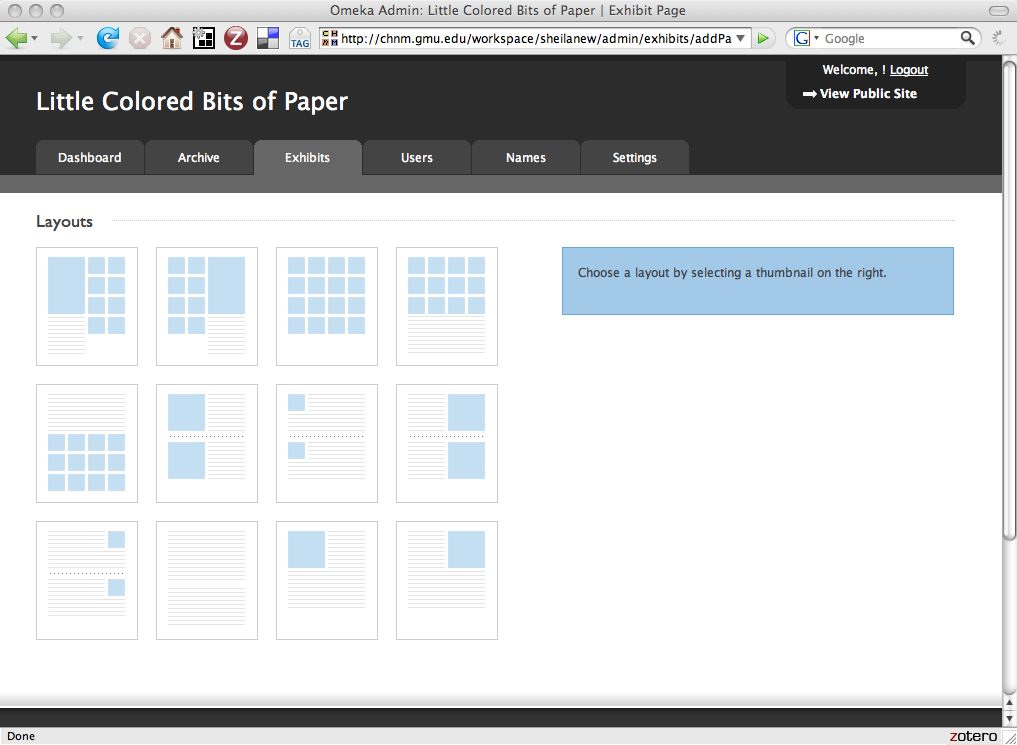
Omeka Layouts Page
The layout of your site can be changed with a single click.

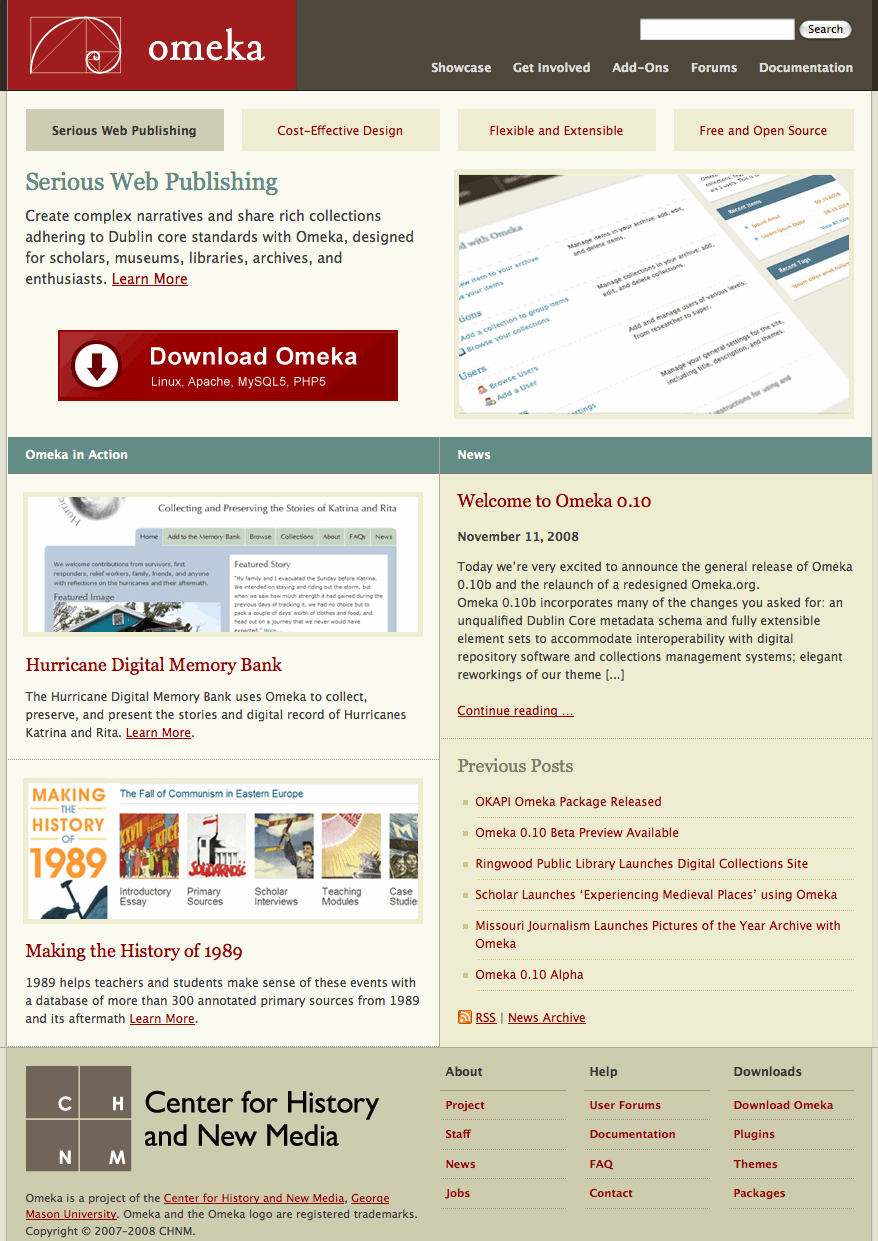
These two features alone provide cultural institutions with the power to increase their web presence and to showcase the interpretive expertise of curators, archivists, and historians. But Omeka’s plugin architecture also allows users to do much more to extend their exhibits to include maps, timelines, and folksonomies, and it provides the APIs (application programming interfaces) that open-source developers and designers need to add additional functionality to suit their own institutions’ particular needs. In turn, a public plugins and themes directory will allow these community developers to donate their new tools back to the rest of Omeka users. The Omeka team is eager to build a large and robust community of open-source developers around this suite of technologies.

You can learn much more about Omeka on its website. Credit goes to the fantastic Omeka team: directors Tom Scheinfeldt and Sharon Leon; developer and manager Jeremy Boggs; manager Sheila Brennan; and developers Kris Kelly, Dave Lester, Jim Safley, and Jon Lesser.